Should I Use PayPal or Card for Quick Mobile Checkout?
In today's mobile-first world, speed and convenience drive purchasing decisions more than ever. When you’re buying something on your phone, you want checkout to be lightning fast—but you also want to be confident about what you’re paying and how. Two popular options dominate quick mobile checkouts: PayPal (a widely used digital wallet) and traditional payment cards such as Visa or Mastercard saved directly on websites or apps.
This article breaks down the pros and cons of using PayPal versus saved payment cards for mobile checkout. We’ll look at how digital wallets fit into phone-first checkout expectations, the role of saved payment methods, interface design for mobile UX, and how biometric authentication is reducing friction. By the end, you'll have a clear picture of which payment method suits your fast mobile purchases best.
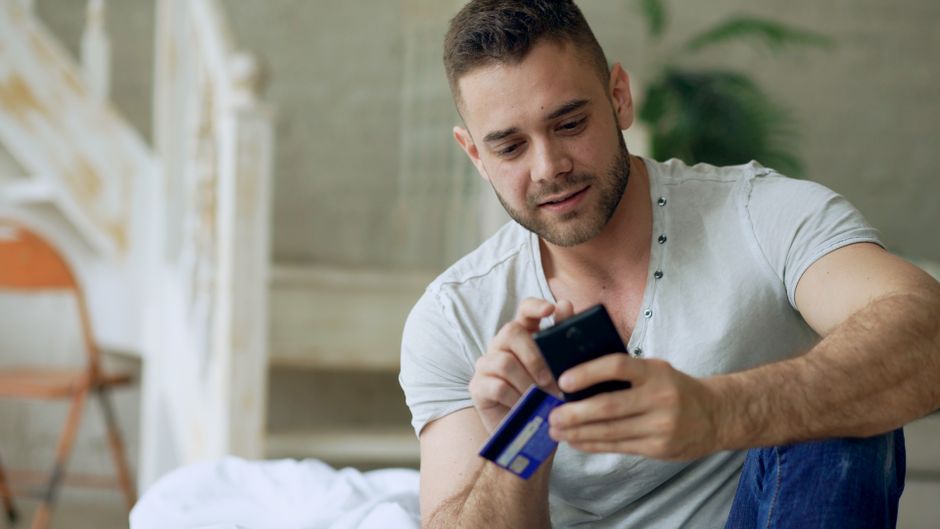
Understanding Phone-First Checkout Expectations
Mobile phones aren’t just smaller computers. They’ve changed how consumers shop fundamentally. Phone-first checkout expectations include:
- Speed: Buying something should take a few taps, not a dozen screens.
- Clarity: Total costs and payment details must be visible and unambiguous.
- Simplicity: Minimal typing, scrolling, or switching between apps.
- Security: Safety without complicated passwords or multiple-step verification every time.
To meet these needs, modern ecommerce platforms often lean on digital wallets and saved payment methods, both of which are designed to reduce checkout steps and smooth the payment flow.
Digital Wallets vs. Saved Payment Methods on Mobile
Both PayPal (a digital wallet) and saved payment cards aim to speed up checkout—but they operate differently under the hood.
What Is a Digital Wallet?
A digital wallet is a software-based system that securely stores your payment information, shipping addresses, coupons, and sometimes even loyalty cards. PayPal, Apple Pay, and Google Pay are examples. When you choose PayPal on mobile checkout, you usually get:
- A single login with your PayPal credentials instead of entering card details manually.
- The ability to pay without exposing your card details directly to the merchant (PayPal acts as an intermediary).
- Instant access to multiple funding sources linked to your PayPal account, including bank accounts, debit cards, or stored balance.
What Are Saved Payment Methods?
Saved payment methods include your Visa, Mastercard, or other credit/debit cards whose data you input once on a merchant’s app or website and save for subsequent purchases. On mobile, saved cards often prompt autofill or one-tap payments. Key points:
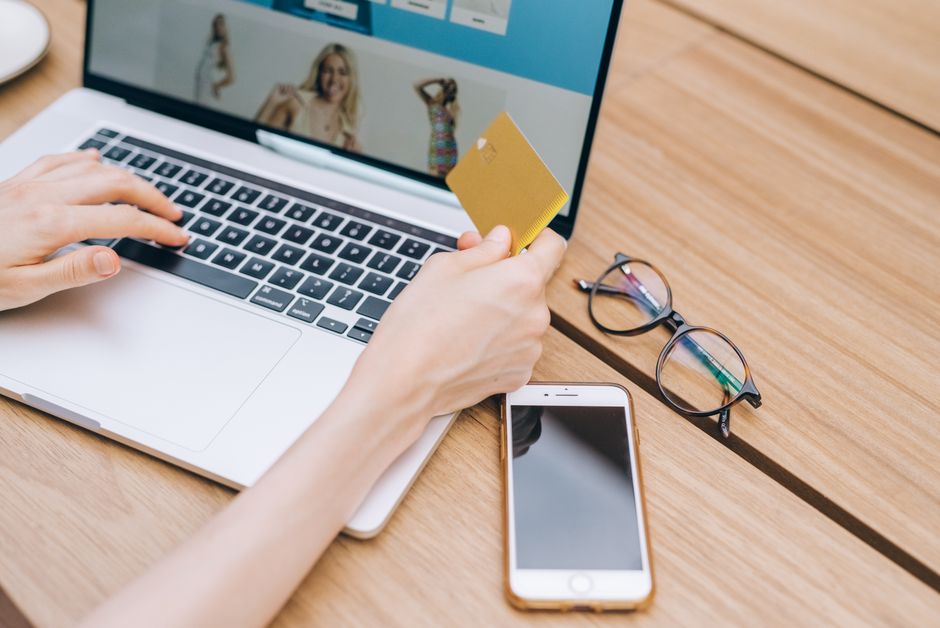
- Payment data is stored either on merchant servers or through secure payment processors.
- Checkout can be very quick—especially when combined with a simple tap-to-pay interface or biometric unlock.
- Only one payment type is available at checkout per saved method, unlike digital wallets that aggregate multiple sources.
Mobile User Experience: Fewer Steps but Clear Totals
Regardless of payment method, mobile checkout experiences must balance speed and clarity. Faster doesn’t mean skipping critical information—especially when users want reassurance on actual costs before tapping “Buy.”
Step Minimization
PayPal’s login process means one initial step—signing into your PayPal account or unlocking the PayPal app—after which your preferred funding source and shipping information are automatically populated. This can be faster than entering card numbers and addresses manually, especially for first-time checkouts.
On the other hand, if you have a saved payment card on the site or app, the checkout might load instantly with the card info ready, allowing you to confirm and pay in one tap. It’s the ultimate in minimalism for returning customers.
Transparency in Totals
Mobile checkouts using either PayPal or saved cards typically show an order summary with:
- Itemized product list
- Shipping fees and taxes
- Final total amount to charge
PayPal often adds branded messaging like “PayPal Buyer Protection” to instill trust but sometimes introduces a popup or confirmation step before finalizing payment, potentially adding minimal delay.
Biometrics and Reducing Friction
Biometric authentication—using fingerprint sensors, Face ID, or other phone biometrics—has https://highstylife.com/booking-accommodation-on-mobile-the-safest-way-to-pay/ become a game-changer for fast mobile checkouts.
Biometrics with PayPal
PayPal's mobile app fully supports biometric login, letting users avoid typing passwords for every transaction after initial setup. When you select PayPal during checkout, you may be prompted to confirm payment with a fingerprint or facial recognition. This adds a security layer without slowing you down significantly.
Biometrics with Saved Payment Cards
Saved payment cards benefit from integration with phone-native wallets like Apple Pay or Google Pay, which rely heavily on biometrics. When you tap a saved Visa card via Apple Pay on iPhone, for example, the phone asks for Face ID or Touch ID permission instead of requiring you to enter the CVV or zip code manually. This smooths the process and reduces cognitive load.
Comparing PayPal and Saved Cards for Fast Mobile Checkout
Feature PayPal Saved Payment Cards (Visa, Mastercard, etc.) Checkout Speed for Returning Users Fast after login; 1-2 taps post-authentication Often 1 tap if card info auto-fills correctly Checkout Speed for New Users Requires PayPal account setup or login Requires manual card entry and saving; slower initially Security Payment info masked from merchants; biometric login supported Card data stored securely; biometrics via Apple/Google Pay Supports Multiple Funding Sources Yes (bank accounts, cards, balances) No (single card per saved method) User Experience Consistent UI across merchants via PayPal apps and SDKs Depends on merchant checkout design quality Mobile UX Optimized Yes; designed for app and mobile browser use Yes, especially when integrated with native wallets Requirement of External App or Account Yes, PayPal account needed No (just card data saved on merchant)When Should You Choose PayPal?
PayPal shines if:
- You want to avoid entering your card info repeatedly across different merchants.
- You appreciate a layer of privacy: PayPal keeps your card details hidden from sellers.
- You use multiple funding sources and want flexibility in payments.
- You value buyer protection services PayPal offers for certain purchases.
- You already have the PayPal mobile app installed, enabling smooth biometric login.
When Should You Use Saved Payment Cards?
Saved payment what is paying by phone cards are preferable if:
- You frequently buy from the same merchant and have saved your Visa or Mastercard details there.
- You rely on native mobile wallets like Apple Pay or Google Pay to speed payments using biometrics.
- You want the fastest possible checkout with a single tap and minimal confirmation steps.
- You don’t want to maintain an extra account or password, relying instead on your card issuer's protections.
The Bottom Line
For quick mobile checkout, both PayPal and saved payment cards deliver fast, secure experiences with some trade-offs:
- PayPal offers strong privacy, multiple payment options in one place, and buyer protection—but usually requires logging into an external account.
- Saved payment cards provide ultra-fast one-tap payments when integrated with mobile wallets, minimizing authentication time and simplifying UX—great for repeat customers at specific merchants.
Ultimately, your choice depends on your shopping habits and comfort with account management. If you want speed without extra accounts, saved cards linked to Apple Pay or Google Pay are likely your best bet. If you value an added privacy layer and flexibility, PayPal remains a robust option.
Either way, today’s phone-first checkouts are increasingly frictionless thanks to biometrics and smart use of digital wallets and saved cards. Next time you tap “Buy” on mobile, you’ll appreciate how these tools streamline what used to be a tedious process.
FAQs
- Is PayPal faster than using a saved Visa card on mobile? For returning users, saved cards combined with Apple Pay or Google Pay can be slightly faster, as they often require just one tap and biometric confirmation. PayPal requires login/authentication steps, which might add seconds.
- Can I use biometrics to speed up PayPal payments? Yes, PayPal’s mobile app supports fingerprint and Face ID logins, reducing the need to enter passwords during checkout.
- Does using saved cards save my information securely? Yes, reputable merchants and payment processors store card data securely with encryption and adhere to PCI compliance standards.
- Are digital wallets safer than using a card directly? Digital wallets like PayPal mask your card info from merchants, adding a privacy layer. Native wallets tokenize cards during transactions, preventing actual card numbers from being exposed.
- What if I don’t have a PayPal account? You can create one quickly, but if you prefer not to manage an extra account, saved payment cards might be simpler for fast mobile checkout.